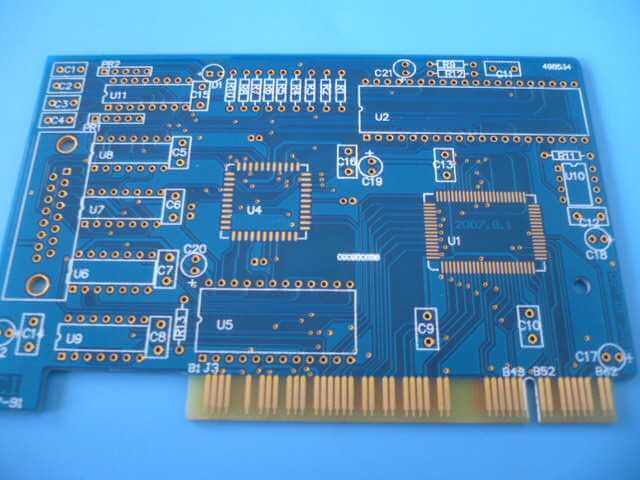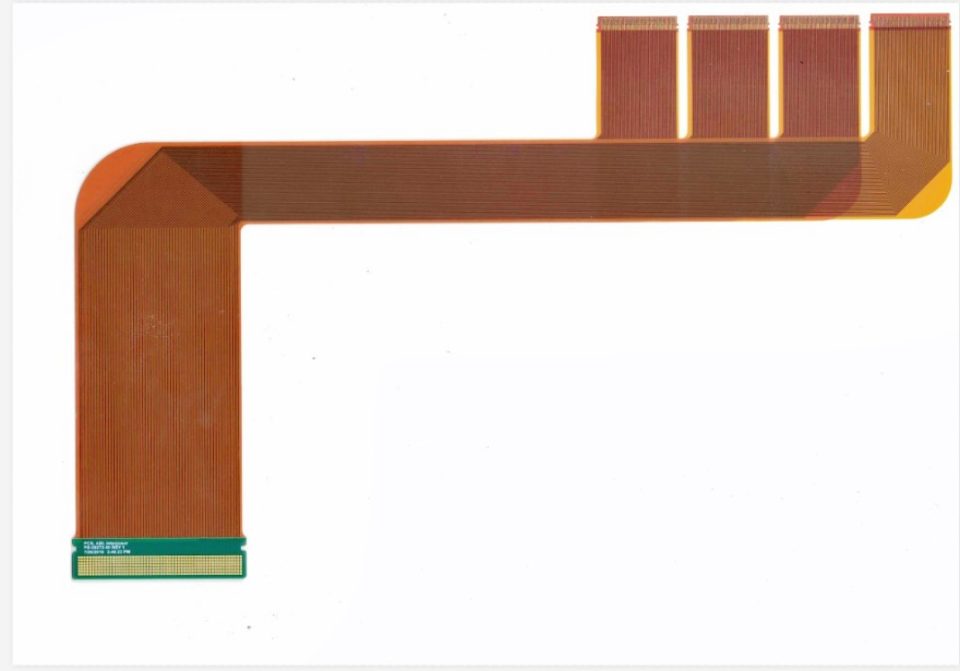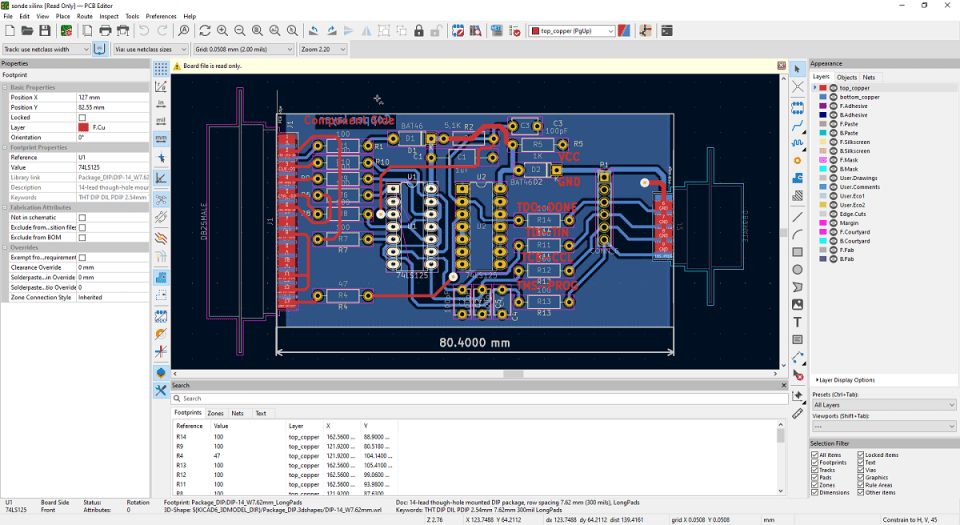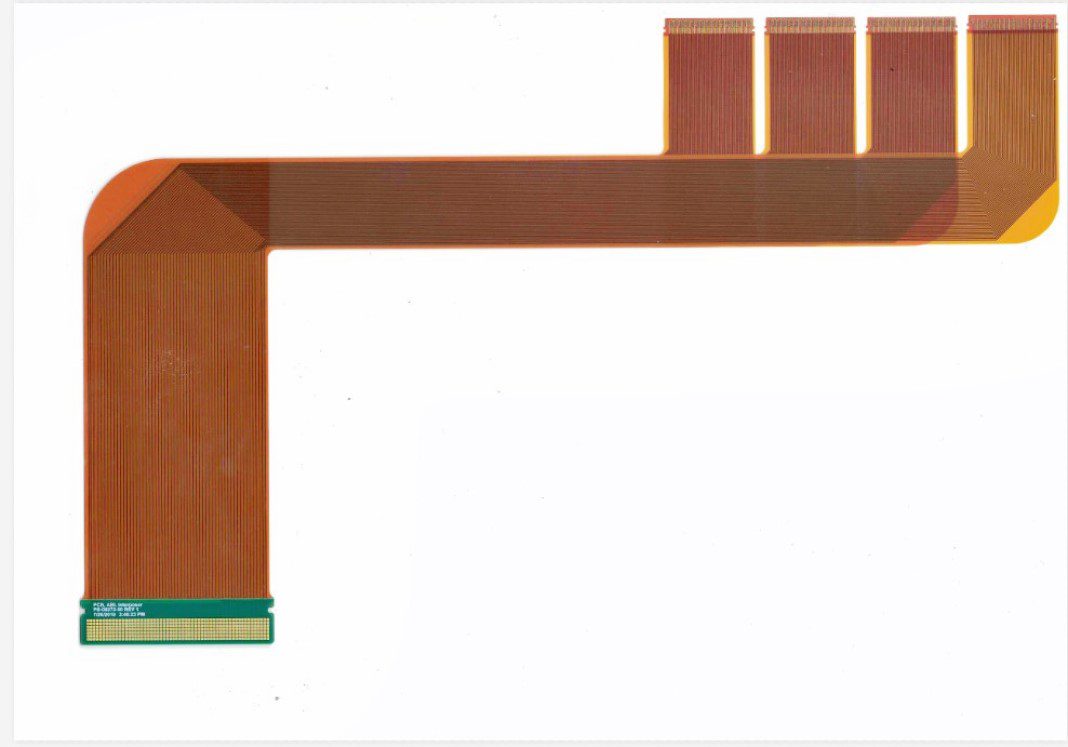
Step 1: is to get a piece of PCB. First of all, record everything on the paper. It is best to take two pictures of the location of the components with a digital camera.
Step 2, remove all the devices and remove the tin in the PAD hole. Clean the PCB with alcohol, then put it into the scanner, start the POHTOSHOP, sweep the screen printing surface with color, and print it out for use.
Step 3: Slightly polish the TOP LAYER and BOTTOM LAYER with water yarn paper until the copper film shines. Put it into the scanner, start Photoshop and sweep the two layers in color. Note that the PCB must be placed horizontally and straight in the scanner, otherwise the scanned image will not be used.
Step 4: Adjust the contrast and shade of the canvas so that the part with copper film and the part without copper film are in strong contrast. Then turn the image to black and white and check whether the lines are clear. If not, repeat this step. If it is clear, save the image as a black and white BMP file top.bmp and bot.bmp.
Step 5: is to convert the two BMP files into Protel files respectively. Enter two layers in Protel. If the position of PAD and VIA after the two layers is basically the same, it shows that the previous steps have been done well.
Step 6: Top. BMP is converted to TOP. PCB, note to transfer to the SILK layer, which is the yellow layer, then you trace the line in the TOP layer, and place the device according to the drawing in step 2. Delete the SILK layer after drawing.
Step 7: Bot. BMP turns into BOT. PCB, be sure to transfer to the SILK layer, which is the yellow layer, and then you can trace the line in the BOT layer. Delete the SILK layer after drawing.
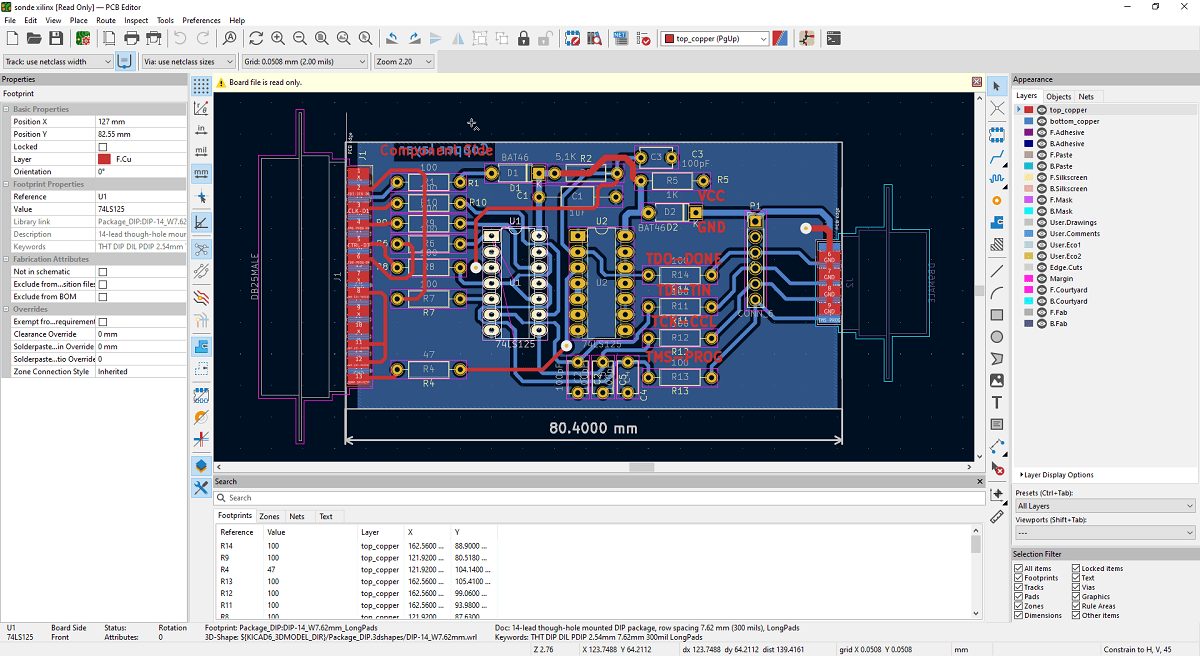
Step 8: Top in PROTEL. PCB and BOT. PCB into, combined for a figure on the OK.
Step 9: Use the laser printer to print the TOP LAYER and BOTTOM LAYER on transparent film (1:1 ratio). Put the film on the PCB and compare if there is any error. If there is, you are done.